Get your TwinMind data out.
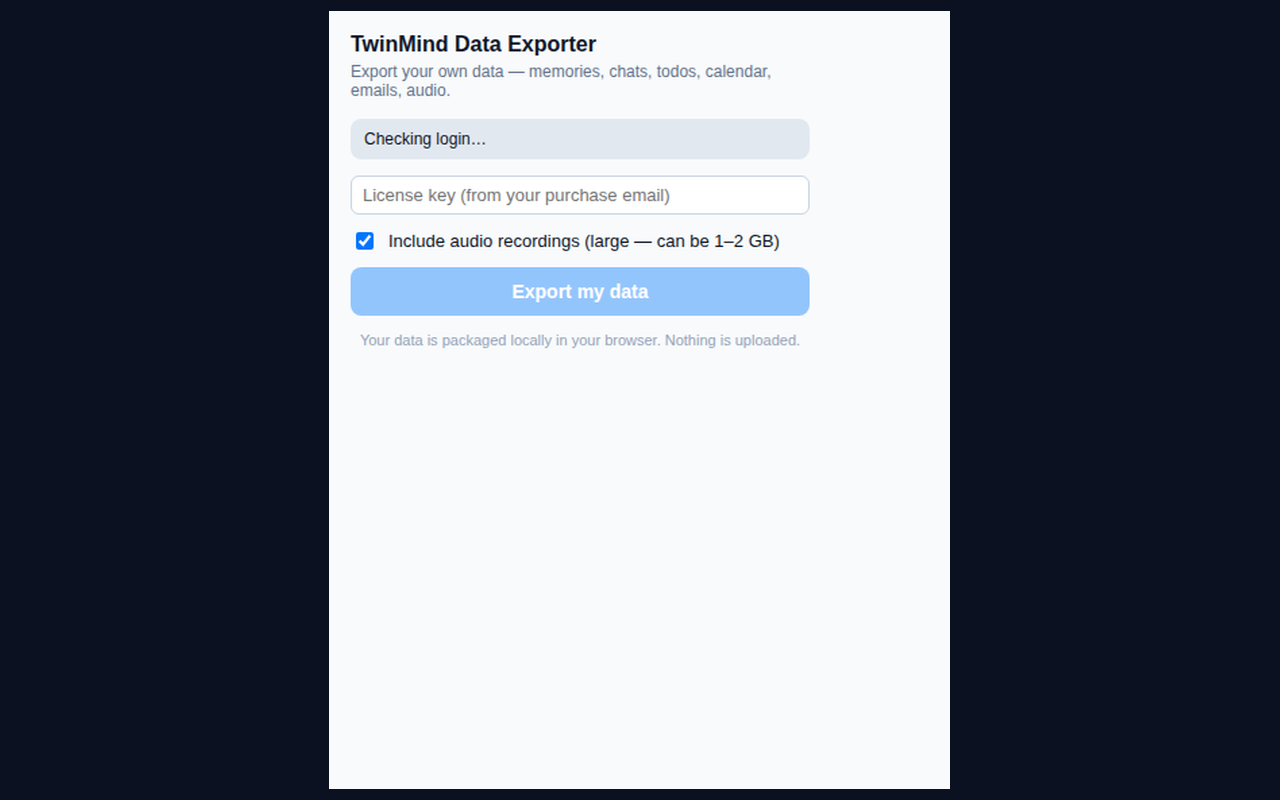
TwinMind has no export feature. This extension packages your memories, transcripts, chats, todos, calendar, emails, and audio into a clean zip. Your data never leaves your browser.
Numbers from the first verified real export, August 2026.
Everything TwinMind holds, in your hands
Not a screenshot of your data. The actual files: Markdown you can read, JSON you can process, audio you can keep.
Memories and transcripts
Every recorded meeting, lecture, and conversation. Full transcript, summary, action items, keywords, attendees.
All chat sessions
Every AI conversation, complete with user and assistant messages, in readable Markdown.
Original audio recordings
The raw .m4a files. Yours, not locked in a cloud you cannot reach.
Todos and calendar
Main and review todo lists, calendar events and subscriptions.
Scheduled emails
Every email TwinMind has drafted or scheduled for you.
Clean formats
Readable Markdown plus raw JSON. Import into Obsidian, Notion, or anything else.
How it works
Four steps, about ninety seconds of work.
Buy and get your key
Checkout takes 30 seconds. Your license key is emailed instantly.
Install the extension
Chrome, Edge, Firefox. Free to install.
Open TwinMind
Log in at app.twinmind.com as you normally would.
Click Export
Your data is extracted and zipped locally. Download the zip.
Simple, one-time pricing
Pay once. Export as many times as you need.
- All memories and transcripts
- All chats
- Todos, calendar, emails
- Markdown and JSON
- No audio recordings
- Everything in Text Export
- All original audio recordings
- Raw .m4a files
- Markdown and JSON
- Re-run anytime
Privacy by design
This is a data liberation tool. It has nothing to gain from your data.
Your token never leaves your browser
The extension reads your TwinMind session token from your own browser and uses it only there. It is never sent anywhere.
Everything runs locally
Extraction and packaging happen on your device. No uploads, no cloud processing, no accounts.
Nothing is transmitted
The only server contact is a license check against our endpoint. Your data is not involved in that request.
One-time payment
Pay once via Stripe. Your license key works forever, and you can re-run the export any time.
Install the extension
Free to install. You only pay for the license that unlocks export.
One-click install from the Chrome Web Store
Auto-updates included. Recommended over manual install.
Manual install from zip (alternative)
chrome://extensions, enable Developer mode, click Load unpacked, select the folder.FAQ
Is this safe? Do you see my data?
No. The extension runs entirely in your browser. Your TwinMind token and all your data stay on your machine. Nothing is uploaded to us or anyone else.
Is this affiliated with TwinMind?
No. We are independent. TwinMind does not offer an export feature, so we built one for users who want their own data.
What if TwinMind changes and the export breaks?
We monitor the app and update the extension. If it ever stops working permanently, we will refund you. No questions asked.
Can I re-run the export?
Yes. Your license key works forever. Re-run any time to get fresh data.
What formats do I get?
Readable Markdown files (great for Obsidian/Notion) plus the raw JSON. Audio comes as original .m4a files.